
User Profile
To view or update your email or password, click the Business button in the top right corner of any page and select Profile from the dropdown menu.
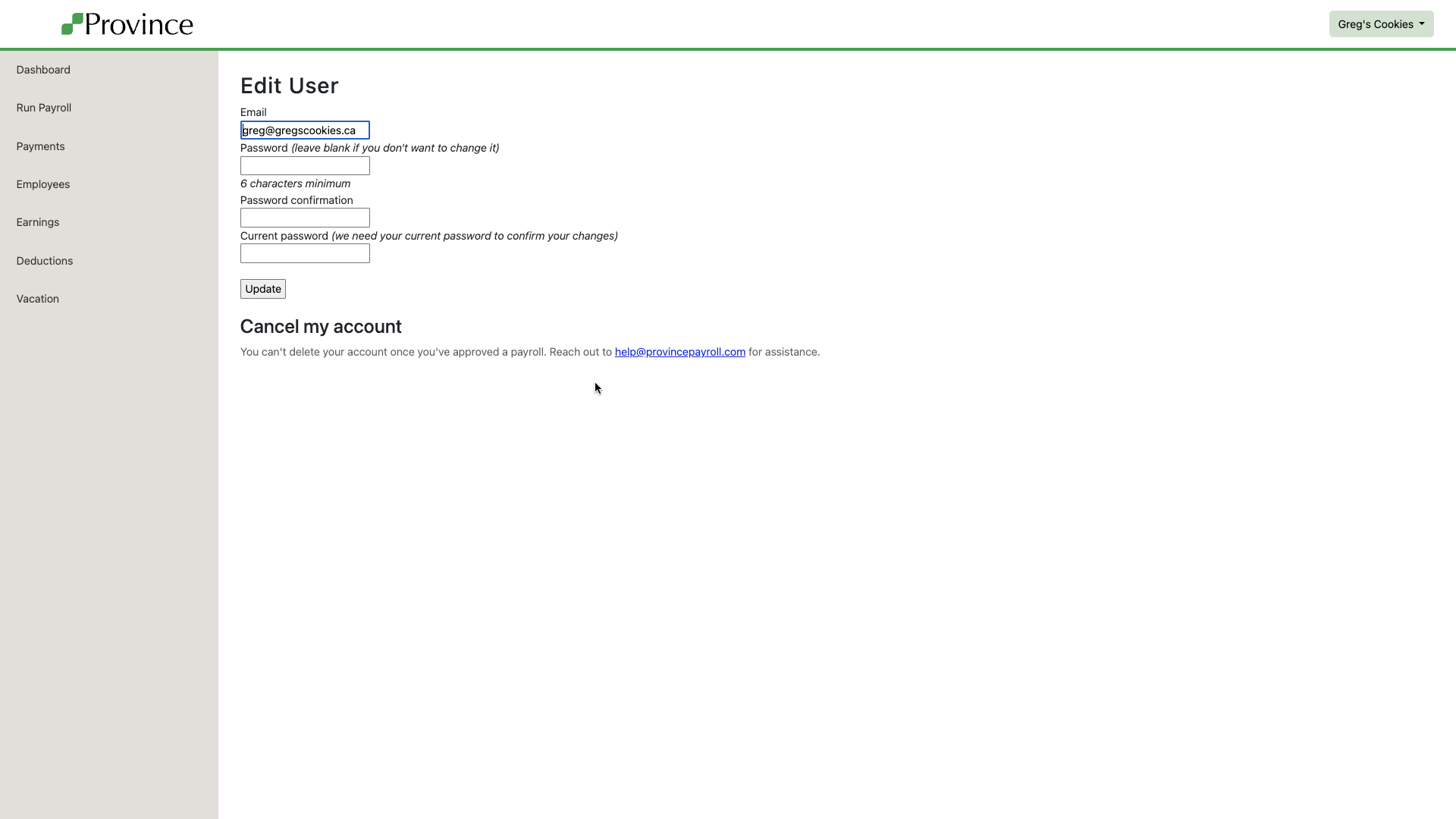
This page allows you to:
Change your email address (used to log in and receive notifications)
Update your password
Changes made here will take effect immediately. You’ll need to use your updated credentials the next time you log in.